

Why Venues Should Track Guest Numbers Before Events
A practical playbook for function centres and event venues to track guest numbers before each booking — and why that matters more than most operators think.
Guide
Why Venues Should Track Guest Numbers Before Events
For most venue operators, the painful conversations don't happen on event day. They happen the morning after — when the kitchen prepped for 80, sixty turned up, and twenty trays of food went to staff meals or the bin.
The cost of unclear guest numbers is rarely a single big bill. It's a steady drip: a chef ordering high to be safe, a floor manager rostering extra staff "just in case", a host who promised one number to the venue and a different number to their family chat. Each event by itself looks fine. Repeat that across a year and you've quietly burned five-figures.
Venue guest tracking — having a clear, current count for every upcoming booking — is one of the highest-leverage operational disciplines a function centre, restaurant, or play centre can adopt. This guide covers a six-step workflow that works whether you run one room or twelve.
Operate a venue? The IAC partner program is built around the workflow described below — branded RSVP pages, shared dashboards, and operational tooling for venues. It might save you reading the whole article.
Why this matters more than most operators think
If you've ever asked the question "how many are we doing tonight?" within four hours of doors opening, you already know the cost. Three things compound:
- Catering minimums and food cost — most kitchens lock in numbers 24-72 hours before service. Every late RSVP after that point is either a discarded portion or a stressed expedite.
- Floor and bar staffing — over-rostering hurts margin, under-rostering hurts the guest experience. The right call depends on a real number.
- Capacity-driven decisions — table layouts, beverage packages, walk-in slots — they all depend on knowing what the booked event actually looks like.
The good news: most of the "guest number drama" disappears with a small amount of process discipline. The host doesn't need to be a project manager. The venue does.
Step 1: Lock down one source of RSVP truth
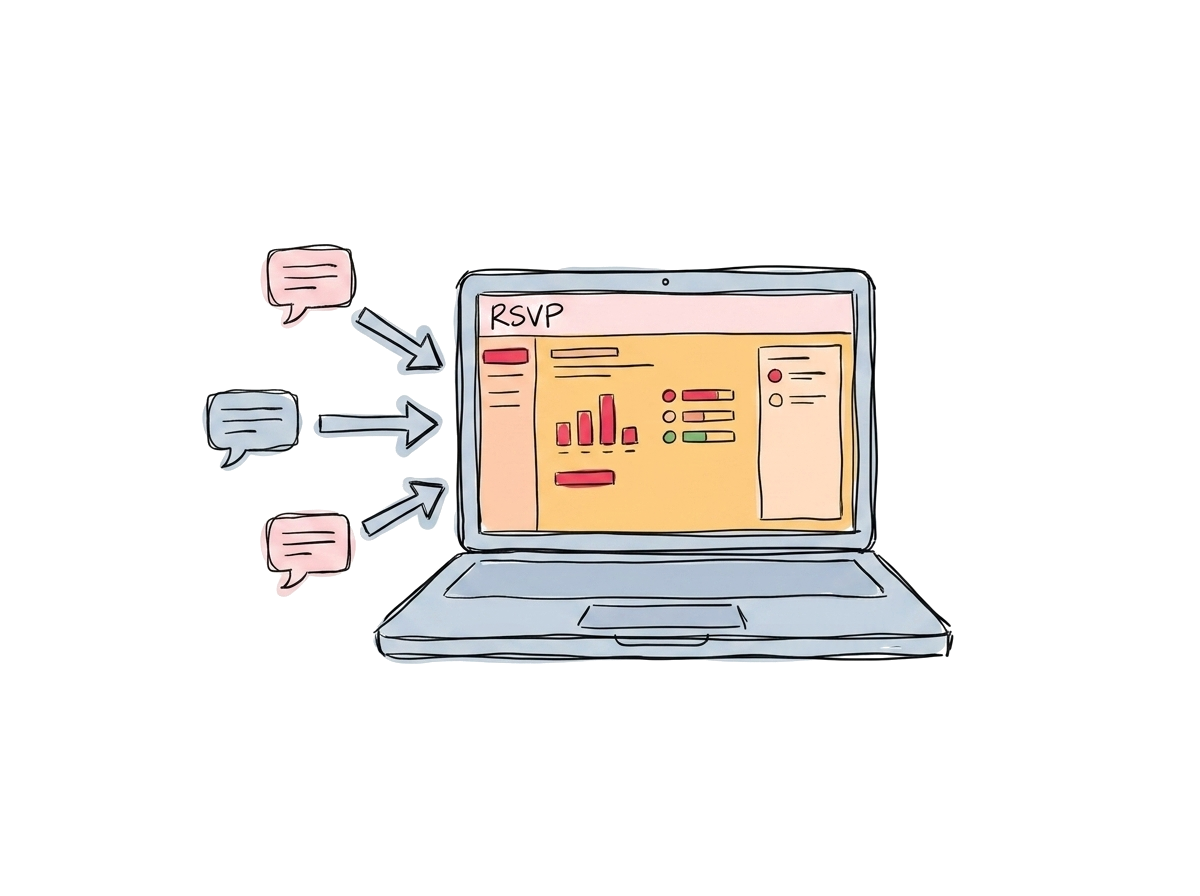 One RSVP destination — not five group chats and an email thread
The single biggest cause of venue guest-tracking pain is multiple channels. The host invites 50 people across WhatsApp, email, and Instagram. Their family confirms in one chat, work friends reply by text, and the venue gets a forwarded screenshot of a Google Sheet.
Replace this with one truth source. Whichever RSVP tool the host or venue uses, every reply should land in one place. When the venue checks tomorrow's number, they look at one screen — not five.
If you're the venue, offer the host a ready-made RSVP page as part of the booking. This solves it before the noise starts.
Step 2: Set a confirmation deadline that respects your operations
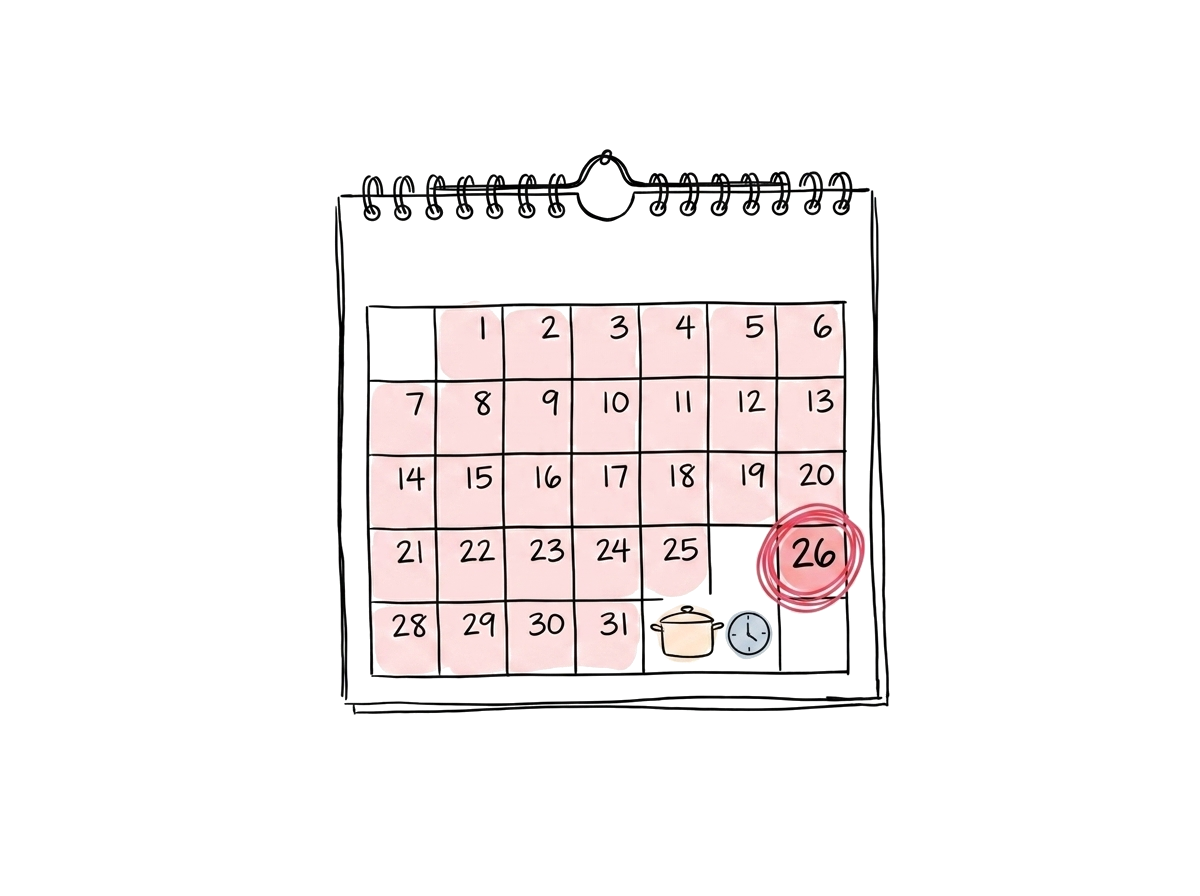 A deadline pinned to the calendar — picked from the kitchen back, not the host's preference
A 24-hour-out RSVP deadline sounds generous. For most venues, it's too late. By that point your kitchen has ordered, your floor is rostered, and the room is set.
Set the deadline by working backwards from the latest reasonable change point, not forwards from the booking date. For a Saturday-night event with a Thursday-morning grocery order, the RSVP cutoff is Wednesday — not Friday.
Tell the host this when they book. "Final numbers by Wednesday 5pm" is a clean ask. It's also a fair one — if the venue gives the host a clear, early deadline, the host can give their guests a clear, early deadline, and the whole chain stays tidy.
Step 3: Track every change in real-time, not via email forwarding
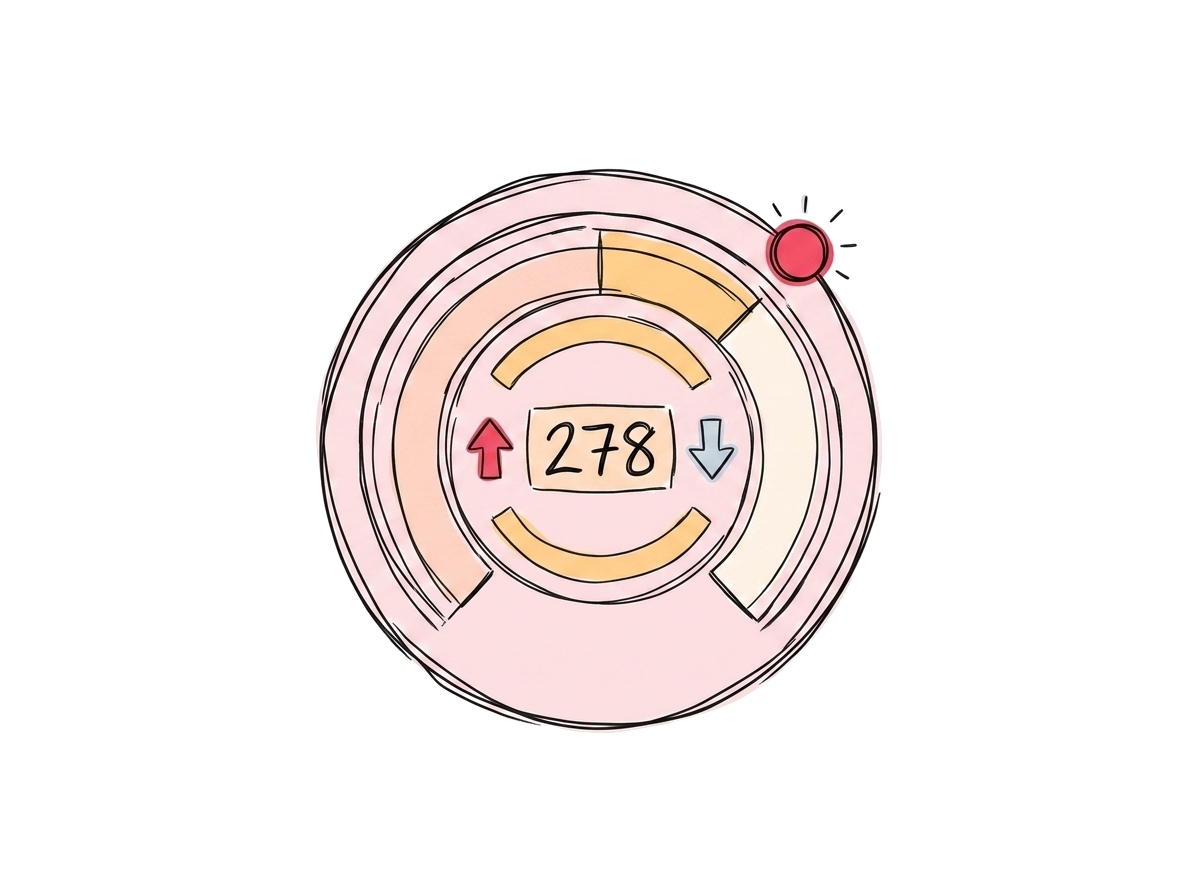 A live count that updates the moment someone replies, not when the host remembers to forward
If your guest count for tomorrow's event only updates when the host emails an updated number, you are always behind reality. Live-tracking changes that.
A good RSVP system gives both host and venue a shared dashboard:
- Confirmed yes count
- Declined count
- Pending (silent) count
- Any change in the last 24 hours
The venue checks once a day. The host owns the chasing. Nobody is forwarding screenshots.
The "any change in last 24 hours" view is the underrated one — it tells operations exactly what they need to know without forcing them to scan a guest list every morning.
Step 4: Reconcile RSVPs against catering minimums
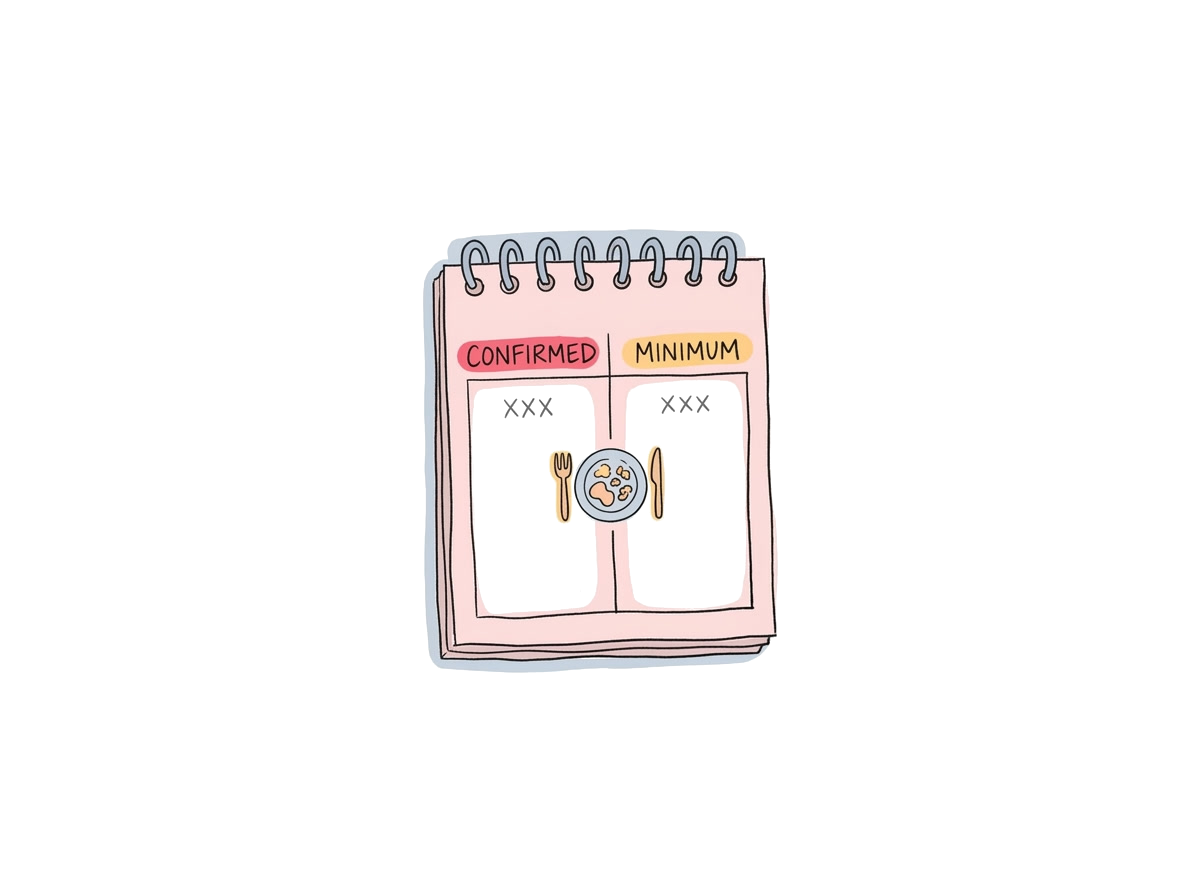 Two numbers side by side: confirmed guests, and the minimum the contract guarantees
This is the conversation that should happen between the venue and the host before the kitchen orders, not after.
Most venue contracts have a guaranteed-minimum guest count tied to the price. If the host's confirmed RSVPs land below the minimum, the host is being charged for guests who aren't coming anyway. You can:
- Let it slide and charge per the contract (operationally simple, sometimes feels unfair to the host)
- Have a short conversation about whether the minimum should be revisited (relationship-positive, but only works if the venue has visibility early)
- Use the gap to suggest a package upgrade — better beverages, premium dessert — at the same number (most clients say yes)
None of those conversations are possible without a clear, current confirmed count and the agreed minimum side by side. Both numbers in one place is the unlock.
Step 5: Share the count with kitchen, bar, and setup teams
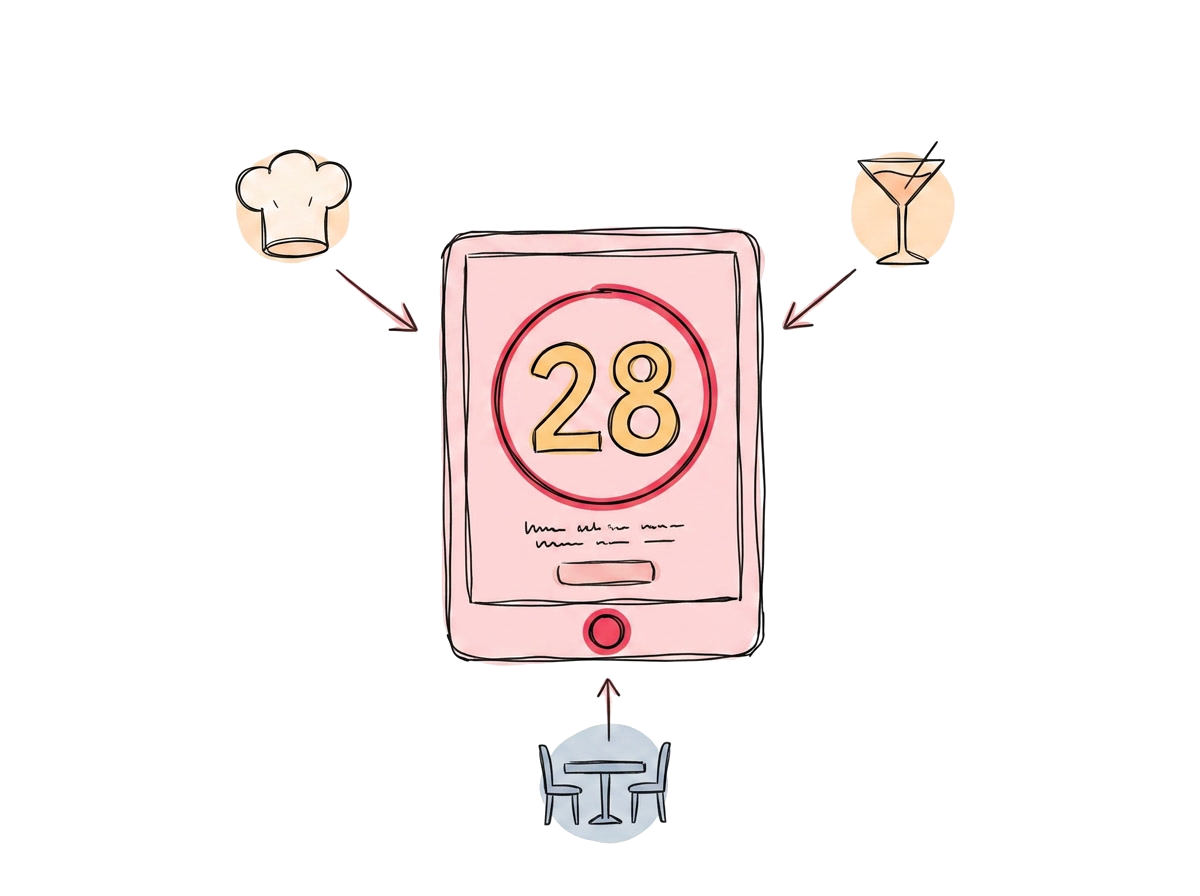 One number, three teams — kitchen, bar, and setup all reading the same dashboard
Internal distribution is where most venues lose the value of good RSVP tracking. The events coordinator has the live number. The chef finds out at the team huddle. The bar manager finds out when service starts.
Build the daily routine instead. Whatever your operations rhythm is — morning brief, day-before email, shared dashboard — make sure the current confirmed count is on it for every event in the next 72 hours. No interpretation, no rounding, no "about 60-ish". The actual number, plus any change in the last day.
This is a 30-second daily habit that prevents a 3-hour mess.
Step 6: Use post-event data to refine future estimates
 Last month's events plotted as a small bar chart — pattern visible, not anecdotes
After each event, write down two numbers next to the booking record:
- Confirmed RSVPs at the deadline
- Actual attendees who walked in
Do this for a few months and you'll see your venue's real no-show rate. For most private functions it sits between 5% and 15% — but for community events, kids parties, or free events it can be 25%+.
Once you have the pattern, your operations decisions stop being guesses:
- "We had 90 confirmed, 78 attended" + a 13% baseline no-show rate means you can confidently plan kitchen output at 80, not 90, the next time a similar booking lands at 90.
- Recurring clients can be tracked individually — corporate functions and family events behave very differently.
- High-no-show segments can prompt policy: bigger deposit, tighter cancellation window, pre-paid component.
Common mistakes to avoid
- Letting the host be the only one tracking — they're not in operations every day, you are
- Setting one deadline for all event types — a sit-down dinner needs more lead time than a stand-up canape function
- Treating the contract minimum as the number to cook for — cook for the realistic confirmed number, charge by the contract
- Manual reconciliation in spreadsheets — replicates the old multi-channel problem, just one layer up
- No post-event review — you keep guessing forever instead of learning the venue's actual pattern
The tools side
Most of this can be run with a shared spreadsheet and discipline. But if the venue handles more than a handful of events a month, a dedicated RSVP platform pays for itself:
- One RSVP page per event, branded as the venue
- Live dashboard the host and venue both see
- Reminder automation (the host doesn't have to chase)
- Per-event export of confirmed vs actual for the post-event review
I am Coming is built for exactly this kind of venue workflow. Function centres, restaurants, and kids play centres use IAC's partner program to give clients a ready-made RSVP experience under the venue's own brand, while keeping a live operational view internally.
In summary
The discipline that actually moves the needle:
- One RSVP destination — not multiple channels
- A deadline set by operations, not the host's preference
- Live tracking instead of email forwarding
- Confirmed-vs-minimum reconciled before the kitchen orders
- The current number shared across kitchen, bar, and setup
- Confirmed-vs-attended logged so the venue learns its real pattern
None of this is exotic. It's just six small habits that, together, take a venue from "guess and absorb the cost" to "know and plan for it".
Run a venue or function centre? Explore the IAC partner program — branded RSVP pages, live guest tracking, and shared dashboards built for venues.
Ready to stop chasing RSVPs?
Create beautiful invites, automate reminders, and track confirmations in real-time.
No credit card required