

How to Manage RSVPs for a Birthday Party
A practical guide to birthday party RSVP management — from sending the invite to getting a real headcount before the day.
Guide
How to Manage RSVPs for a Birthday Party
Anyone who has thrown a birthday party knows the real headache isn't sending the invite. It's the silence afterwards.
You sent 25 invitations. A week before the party, eight people have replied yes, three have declined, and fourteen are still a complete mystery. How much cake do you order? How many chairs do you set up? Do you have enough party bags?
Birthday party RSVP management is less about software and more about a simple system: a clear ask, a real deadline, a couple of reminders, and a way to track who has actually responded. This guide walks through that system, plus the most common mistakes hosts make along the way.
Why birthday RSVPs are harder than they should be
Birthday parties live in a strange middle ground. They are informal enough that guests feel comfortable not replying, but logistically dependent on a real headcount.
A few things make it especially tricky:
- The invite list is mixed — close family, work friends, and parents of your kid's school friends all behave differently
- It often goes out across multiple channels — WhatsApp, text, Instagram, email — and replies scatter the same way
- The host is also the planner, caterer, and chaser — there's no admin assistant
- People genuinely intend to come but forget to reply — until the host nudges them
The goal of this guide is not to lecture guests about replying faster. It's to build a system where you, the host, don't have to chase.
Step 1: Send one invite, with one RSVP link
 One invite, one RSVP link — every guest lands in the same place
The first mistake most hosts make is splitting the ask across channels. A photo of the invite goes on Instagram, a quick text goes to close family, and an email goes to the work crowd. Replies then come back across three places and you lose track immediately.
A single digital invite with one RSVP button changes this. Every guest, no matter how you reach them, lands on the same page and clicks the same button. You get one place where every reply is recorded.
If you don't have a digital invite tool, a shared Google Form linked from the invite works in a pinch. The important thing is that there is exactly one destination for the reply.
Step 2: Set a real deadline
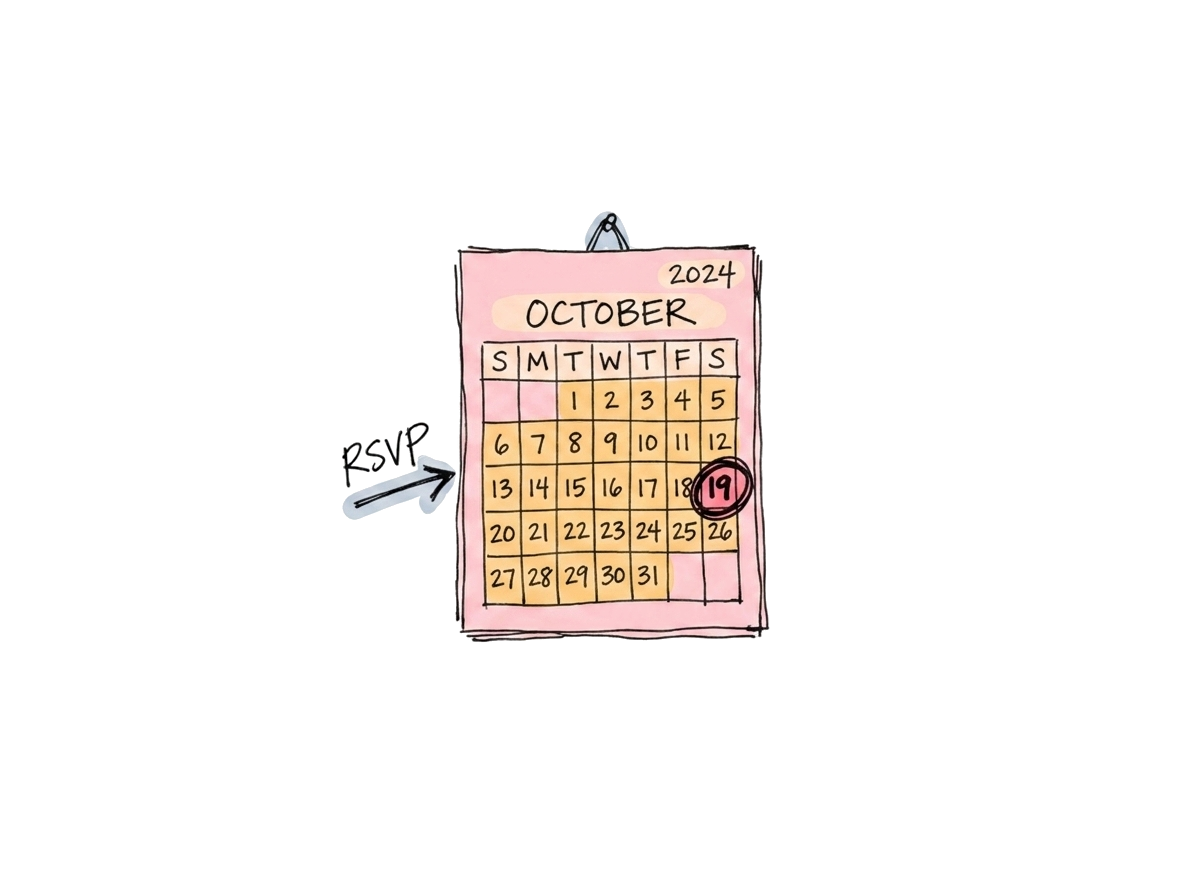 A specific date on the calendar, circled — that's a deadline
"RSVP by Saturday" is a real deadline. "Let me know when you can" is not.
Pick a date that gives you enough buffer for catering and shopping — usually 5 to 7 days before the party — and write it on the invite in the same line as the RSVP link.
A deadline does two things:
- It gives guests permission to reply now rather than later
- It gives you a clear point in the process where you can move on to follow-ups
Without a deadline, every late reply feels equally fine. With one, the people who haven't responded become a clean list of who to nudge.
Step 3: Send a reminder 2 to 3 days before the deadline
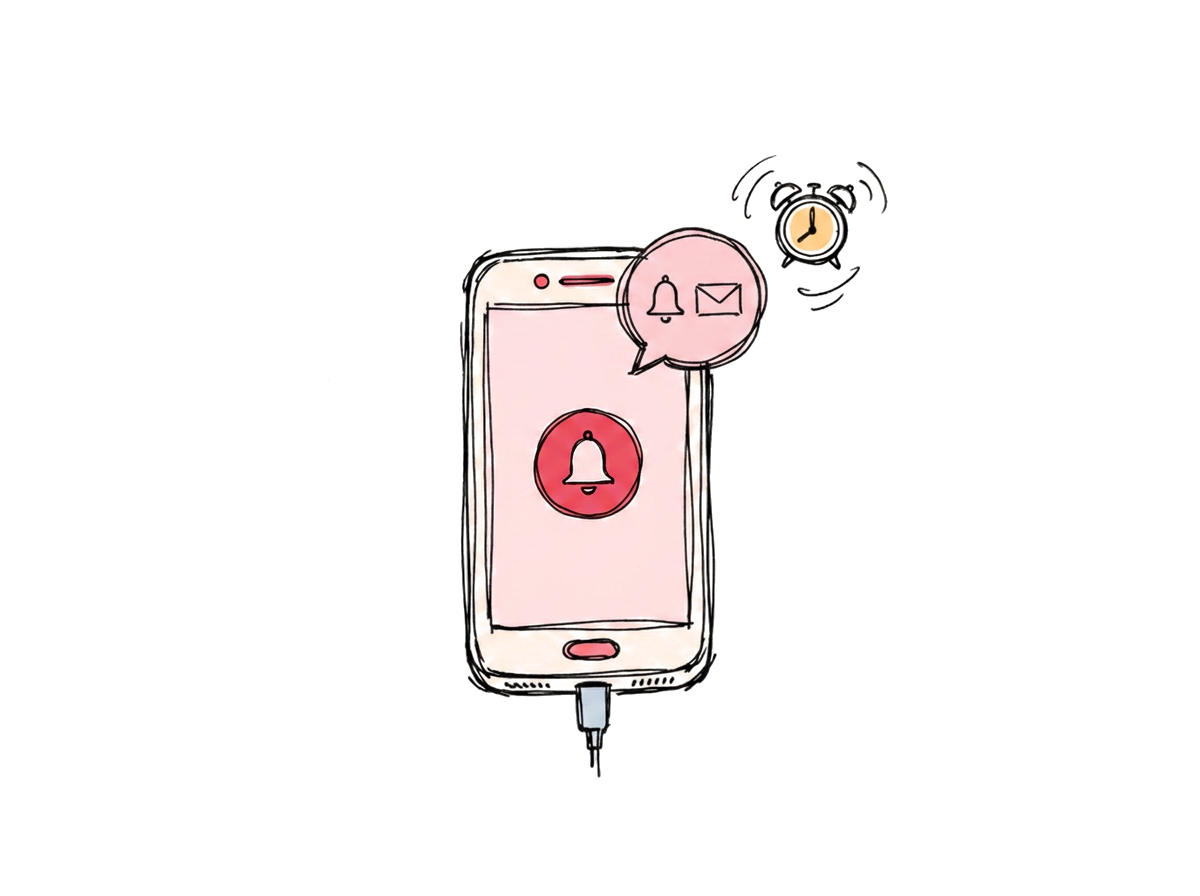 A gentle, well-timed nudge in the days before the deadline
Reminders are the single biggest lever in birthday party RSVP management. The first reminder should land roughly two to three days before the RSVP deadline, addressed to everyone who hasn't replied yet — not the whole list.
Keep the reminder short and warm:
Hi! Just a quick nudge — the RSVP deadline for [child's name]'s birthday is this Saturday. Let me know if you can make it so I can finalise food and bags. 🎂
If you're using a tool with automated reminders, schedule them to go out only to non-responders. If you're doing it manually, write out the names of the people who haven't replied before you start sending, so you don't accidentally pester the people who already said yes.
Step 4: Track who's coming, who declined, and who's silent
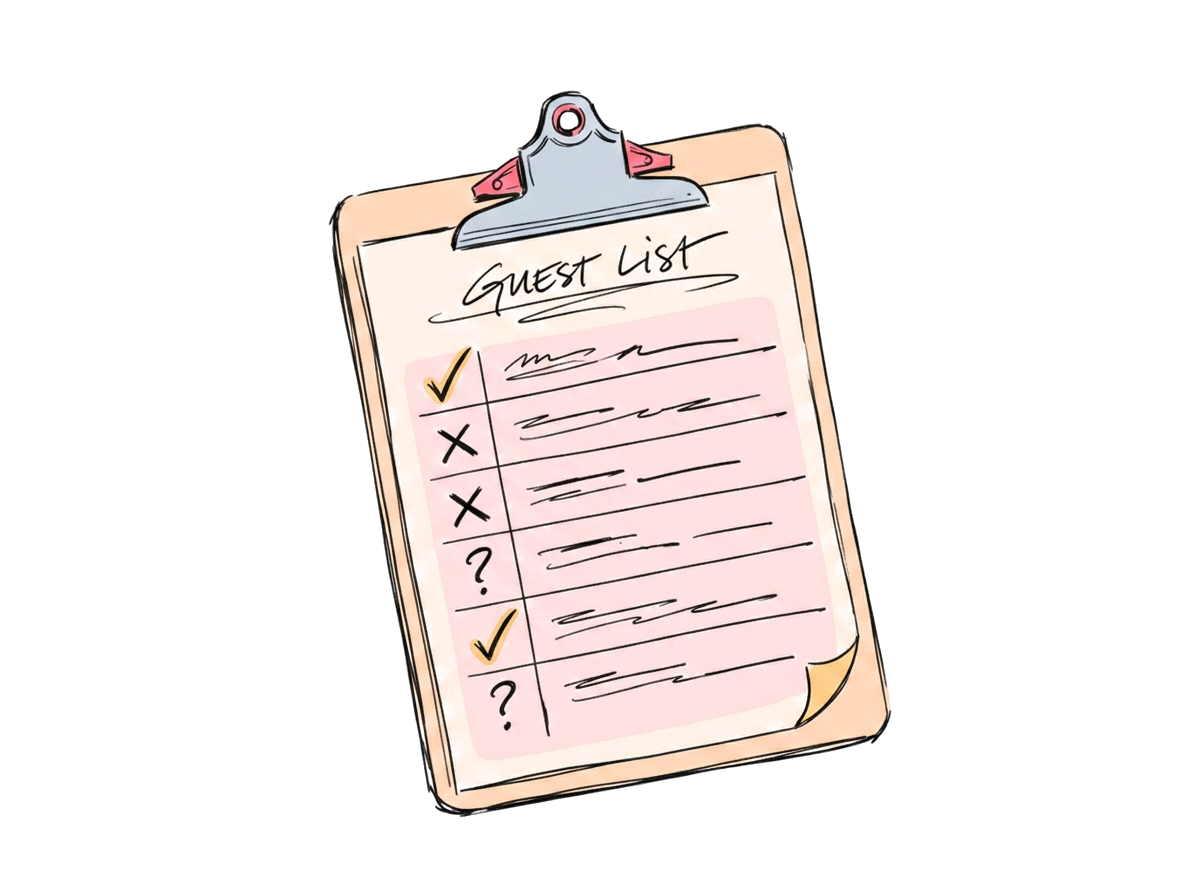 Three columns: yes, no, and silent — one place, not three group chats
By the deadline, you should have a clear list with three columns:
- Yes — people you're confidently planning for
- No — people you can stop worrying about
- No response — people you'll handle in step 5
If your replies are scattered across texts, emails, and Instagram DMs, this is the most painful part of the process. A digital RSVP tracker collapses it to a single dashboard you can glance at while you're shopping. Even a humble spreadsheet works — what matters is having one source of truth.
This is also the moment to spot patterns. If most of the non-responders are from one specific group (the work crowd, the kids' school parents), the issue is usually how the invite reached that group, not the guests themselves.
Step 5: Personally follow up with the non-responders
 One short, specific message beats a bulk "FINAL CALL"
The deadline has passed. You still have eight people who haven't replied. This is when the personal touch matters.
A bulk "FINAL CALL" message tends to feel cold and produces fewer replies than you'd expect. A short, specific message to each non-responder works much better:
Hey — just checking in for the party on Saturday. Are you and Sam able to make it? Need to lock in numbers tomorrow.
Direct, specific, and short. Most people who hadn't replied will reply within a few hours. The ones who don't reply within a day are usually a "no" — and you can safely plan as if they're not coming.
Step 6: Plan with a realistic headcount, not the optimistic one
 Plan for the people who said yes, plus a small buffer — not the maybes
Here's the uncomfortable truth: even confirmed RSVPs are not 100% reliable. Life happens. Kids get sick. Work runs late. A reasonable rule of thumb is to expect 5 to 15% of confirmed adult guests to no-show, and a slightly higher rate for events with kids.
For practical planning:
- Food and drink: plan for your confirmed yes count, plus a small buffer (about 10%)
- Seating and party bags: plan for confirmed yes count exactly — extras are easier to add than to remove
- Cake size: lean towards the smaller end of confirmed count if you'd rather not eat leftover cake for a week
Common mistakes to avoid
A few patterns show up over and over with birthday hosts who feel like they're drowning in RSVP chaos:
- Asking for replies "whenever" — there's no anchor, so no one replies on time
- Sending the invite as a forwarded image — guests can't tap anything to RSVP
- Mixing announcement and RSVP into the same message — the RSVP call gets buried
- Not tracking who replied — by the deadline, you can't tell who to follow up with
- Treating silence as a "no" — many silent guests are planning to come but forgot to say so
The tools side of birthday party RSVP management
You can absolutely run all of this from a paper notebook and a string of group chats. People did it for decades. But if you'd rather not, a dedicated RSVP platform handles three things that are otherwise manual:
- One RSVP link that records every response in one place
- Automated reminders scheduled to go out only to people who haven't replied yet
- A live attendance dashboard so you can see, at any moment, who's coming
I am Coming is built for this kind of party — small to medium, lots of moving parts, one host doing most of the work. You can send a digital invite with a single RSVP link, schedule reminder emails, and track responses live, all without chasing anyone in chat threads.
In summary
The system that actually works:
- One invite with one RSVP link
- A real, written deadline
- A reminder 2–3 days before that deadline, to non-responders only
- A simple yes/no/silent tracker
- Personal follow-up after the deadline
- A realistic headcount when you plan the food, seating, and cake
Birthday party RSVP management isn't about software — it's about a clear process you stick to. The right tools just make that process less painful.
Planning a birthday party right now? Create your event and send invitations with built-in RSVP tracking and reminders.
Ready to stop chasing RSVPs?
Create beautiful invites, automate reminders, and track confirmations in real-time.
No credit card required